← What's NewApril 2026
Built-in Soft Phone
2gether now includes a fully functional soft phone powered by your Connect Portal account. Make and receive calls directly from your virtual desk — no extra apps needed.
Making a call
Click Phone in the bottom navigation bar. Enter a number on the dial pad and click Call.
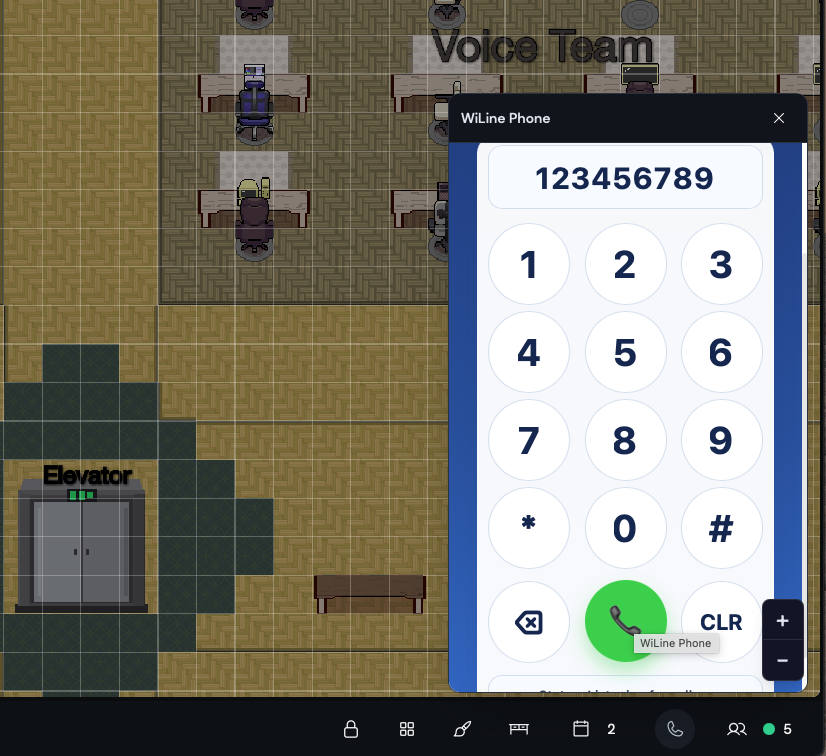
The built-in soft phone panel with dial pad.
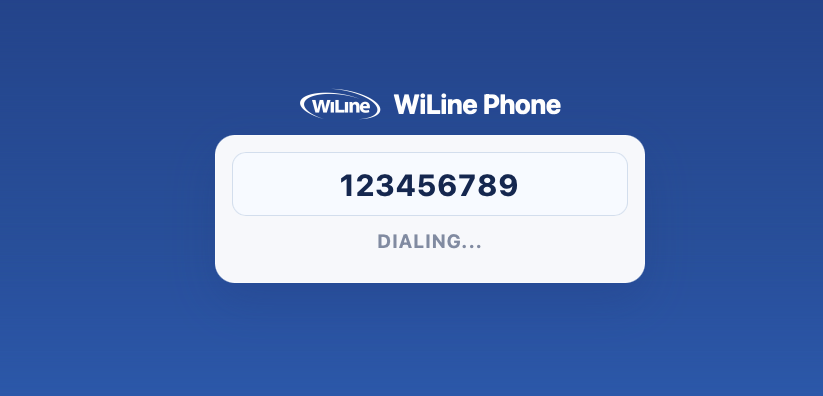
Dialing window displayed during an active call.
Receiving calls
When an incoming call arrives, click Answer to pick up. Your recent call history is visible directly in the panel. The soft phone uses your Connect Portal credentials and phone line.