← What's NewMarch 2026
WiLine 2gether Analytics
Admins now have a dedicated analytics dashboard inside 2gether to monitor meeting activity across all virtual spaces — in real time and historically. No external tools needed.
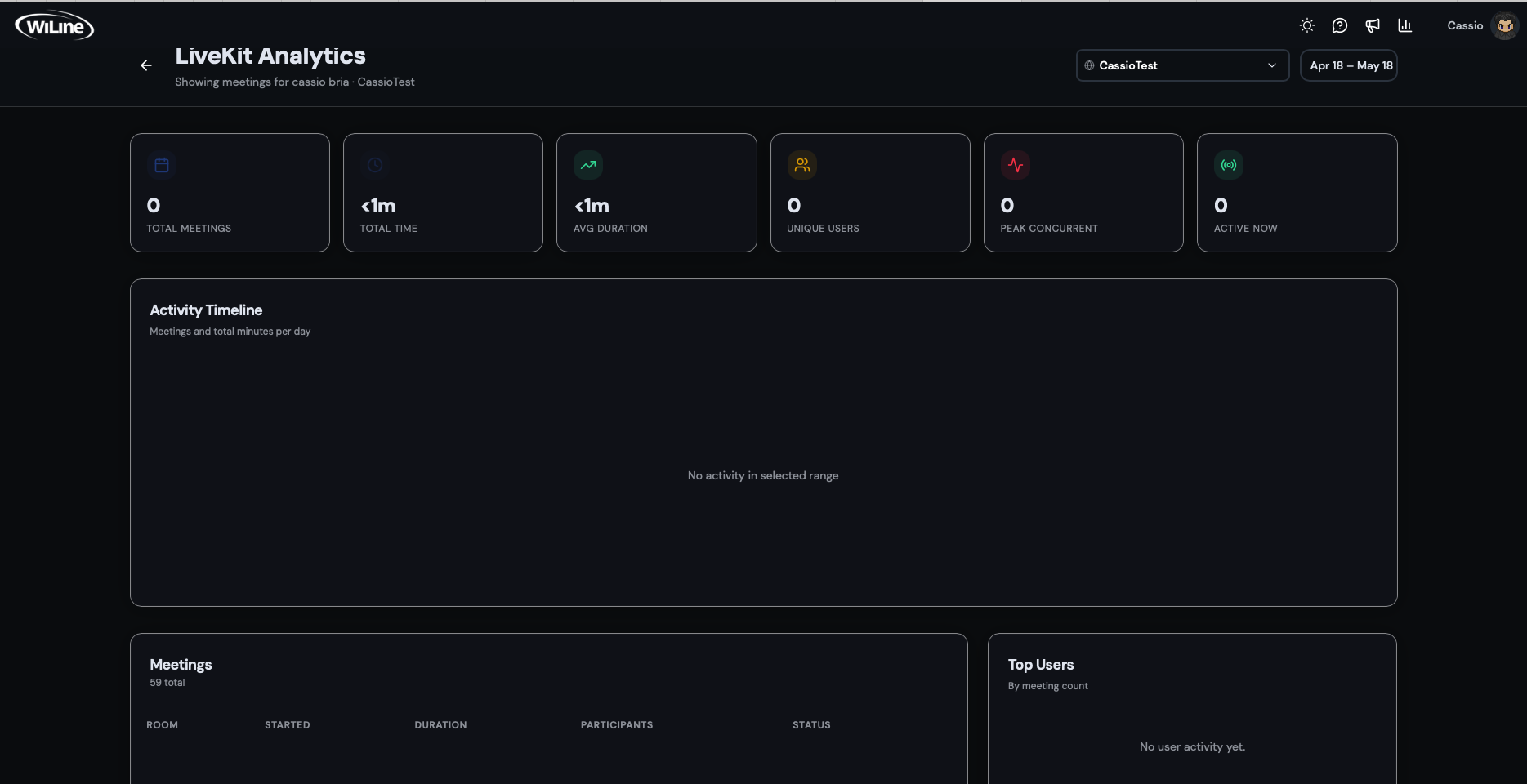
WiLine 2gether Analytics dashboard filtered by space and date range.
Accessing the dashboard
Click your name in the top-right corner to open the account menu, then select WiLine 2gether Analytics. The dashboard is only visible to admin users.
Filtering data
Use the controls at the top to narrow the data by:
- Space — select a specific virtual space from the dropdown
- Time range — Today, Last 7 days, Last 30 days, or Last 90 days
What you can track
- Total Meetings — number of meetings held in the selected period
- Total Time — combined duration of all meetings
- Avg Duration — average length per meeting
- Unique Users — number of distinct participants
- Peak Concurrent — maximum simultaneous active users
- Active Now — users currently in a session
The Activity Timeline chart shows meetings and total minutes per day. The Meetings table lists individual sessions with room, time, duration, and participants. The Top Users panel ranks participants by meeting count.